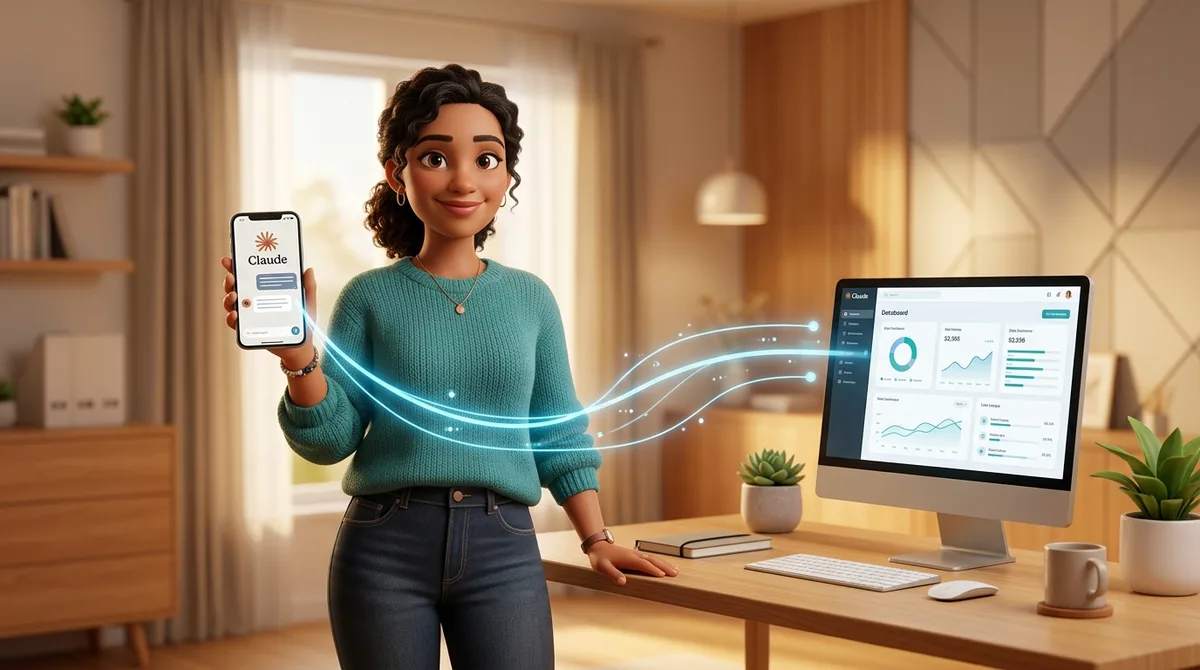
TL;DR: Claude Dispatch is an Anthropic feature that lets you control and automate AI tasks remotely from your mobile while the desktop does the heavy processing. Perfect for solopreneurs who want automation without cloud dependency, with predictable pricing and local security.
The Problem: AI Automation Still Requires Being at the Machine
When you build AI agents to automate tasks, you often hit a frustration:
- You need to be near the desktop to control automations
- Can’t monitor workflows when you’re away from home
- Stuck with cloud services with unpredictable pay-per-use costs
- Internet dependency to run tasks
- Sensitive data stored on third-party servers
Claude Dispatch eliminates this problem entirely.
What Is Claude Dispatch?
Claude Dispatch is a native Anthropic feature that lets you manage and control AI tasks from your mobile while your desktop does all the processing.
Think of it this way: your desktop acts as a “dedicated processor” and your mobile is the “intelligent remote control.” You can be anywhere and orchestrate multiple workflows running on your computer.
Key characteristics:
- Mobile-desktop pairing — sync devices and operations seamlessly
- Local processing — everything runs on desktop, zero cloud dependency
- Multi-workflow management — handle multiple tasks simultaneously
- Local security — data and credentials never leave your equipment
- Predictable pricing — flat subscription, not pay-per-use
How It Works In Practice
The architecture is straightforward:
Mobile (Claude App)
    ↓ [Natural language command]
    ↓ [Secure connection]
Desktop (Claude + Processing)
    ↓ [Executes automation locally]
    ↓ [Returns result]
Mobile (Result displayed)
Setup Flow
- Update both applications — desktop and mobile to Dispatch-enabled version
- Pair your devices — establish secure connection between mobile and desktop
- Keep desktop active — during task execution
- Control from mobile — send commands remotely
None of these steps are complex. It’s as simple as connecting two devices.
Real Use Cases for Solopreneurs
1. Email Automation
You’re in a meeting. New lead notification arrives. Open Claude on mobile and trigger:
“Process 50 emails in my leads inbox, extract contacts, validate emails, organize in spreadsheet”
Your desktop starts processing while you stay in the meeting. Results ready when you return.
2. Automated Content Generation
You’re traveling. Need 10 thumbnails for your videos. Trigger from mobile:
“Generate 10 thumbnails in cinematic style for my AI videos. Use warm colors, bold typography”
Desktop processes. You continue with other tasks. Thumbnails ready in minutes.
3. Web Scraping and Data Collection
Your client requested competitor data. You’re away. Trigger:
“Extract prices, descriptions, and reviews from 5 direct competitors in my niche”
Desktop does the scraping locally. Zero data exposure to cloud.
4. Creative Workflow Automation
You’re at a coffee shop. Trigger:
“Process my PSD file, export in 5 different formats, optimize for web”
Desktop executes. You get notification when everything is ready.
5. Batch Data Processing
You work with sensitive data (financial, medical). Trigger from mobile:
“Process 1000 transaction records, identify unusual patterns, generate report”
Everything runs locally. Data never leaves your equipment.
Advantages Compared to Alternatives
| Aspect | Claude Dispatch | OpenClaw | Cloud Services | n8n Self-hosted |
|---|---|---|---|---|
| Local processing | ✅ Yes | ❌ No | ❌ No | ✅ Yes |
| Mobile control | ✅ Native | ❌ No | Partial | ❌ No |
| Data security | ✅ Maximum | ❌ Servers | ❌ Risk | ✅ Local |
| Predictable pricing | ✅ Subscription | ❌ Pay-per-use | ❌ Variable | ✅ Fixed |
| Setup ease | ✅ 3 steps | ❌ Complex | ✅ Simple | ❌ Technical |
| Works offline | ⚠️ Partial | ❌ No | ❌ No | ✅ Yes |
| Native Anthropic | ✅ Native | ❌ No | Partial | ❌ No |
Limitations and Considerations
1. Desktop Needs to Stay Active
Your computer must be powered on during execution. Won’t work if desktop is sleeping or off.
Solution: Use wake-on-LAN or keep desktop on during working hours.
2. Connection Limitations
If your internet drops, mobile-desktop communication interrupts (but local processing continues).
Mitigation: Already-started tasks complete even with unstable connection.
3. Doesn’t Replace 24/7 Automation
If you need continuous jobs (e.g., cron jobs), consider autonomous agents or self-hosted n8n.
4. Limited Scalability
A single desktop has processing limits. For massive scalability, cloud is better.
Best Practices with Claude Dispatch
1. Organize Tasks by Weight
❌ Bad:
"Do everything: process email, generate content, analyze data"
✅ Good:
"Process 30 emails from leads inbox and extract contacts to CSV"
Specific tasks execute better and return more reliable results.
2. Use Notifications Strategically
Configure alerts for:
- Critical task completion
- Errors detected
- Long-running processing started
Don’t alert for every internal step.
3. Keep Desktop in Stable Environment
- Good internet connection
- Temperature-controlled environment
- No frequent interruptions
- Updated operating system
4. Test Workflows Locally First
Before triggering from mobile:
- Test command on desktop
- Verify it works
- Then automate via mobile
5. Monitor Resource Usage
Desktop running multiple workflows consumes CPU, RAM, disk space. Monitor and distribute tasks over time:
Morning: email automation
Midday: content generation
Afternoon: data processing
Integrating with Your AI Stack
Claude Dispatch complements your AI tools stack. It works perfectly with autonomous AI agents and can be combined with n8n automation:
- With n8n: Trigger n8n workflows from mobile via Claude Dispatch
- With AI agents: Control agents remotely while they run locally
- With APIs: Execute local API calls from your mobile
- With files: Process local files without cloud uploads
Example integrated stack:
Mobile (Claude Dispatch)
    ↓
Desktop (Claude + n8n + Agents)
    ↓
Local database + files
Conclusion
Claude Dispatch solves a practical problem: you want powerful automation without being tethered to your desktop, without cloud dependency, with maximum security and predictable pricing.
For solopreneurs working with sensitive data, needing mobility, or unwilling to pay pay-per-use, it’s a complete solution.
Setup is trivial. Usage is intuitive. Benefits are immediate.
If you use Claude and need remote and secure automation, Claude Dispatch is practically essential. Especially if you’re already working with building AI agents to automate tasks.
FAQ
Is Claude Dispatch free?
No. It’s part of Claude Pro/Team subscription. You need to be subscribed to use it.
Do I need a server to run it?
No. Your desktop functions as the server. No additional infrastructure needed.
What if my desktop shuts down mid-task?
In-progress tasks may be lost. Best practice: use frequent checkpoints and don’t shut down during critical processing.
Can I use it with multiple desktops?
Yes, you can pair multiple desktops and choose which processes each task.
Does it work with VPN?
Yes, as long as connection is stable. VPN may add latency but won’t break functionality.
What’s the limit on simultaneous tasks?
Depends on your desktop power. Recommendation: no more than 3-5 heavy tasks simultaneously on mid-range hardware.
Can I share access with my team?
Not officially yet. Claude Dispatch is currently individual per device.
How secure is it really?
- Encrypted mobile-desktop connection
- Data processes locally
- Credentials never leave equipment
- Process sandboxing